intitle:
By adding 'intitle:university' Baidu searches all titles. You can add some phrases before intitle in order to search the whole page.
intitle:university 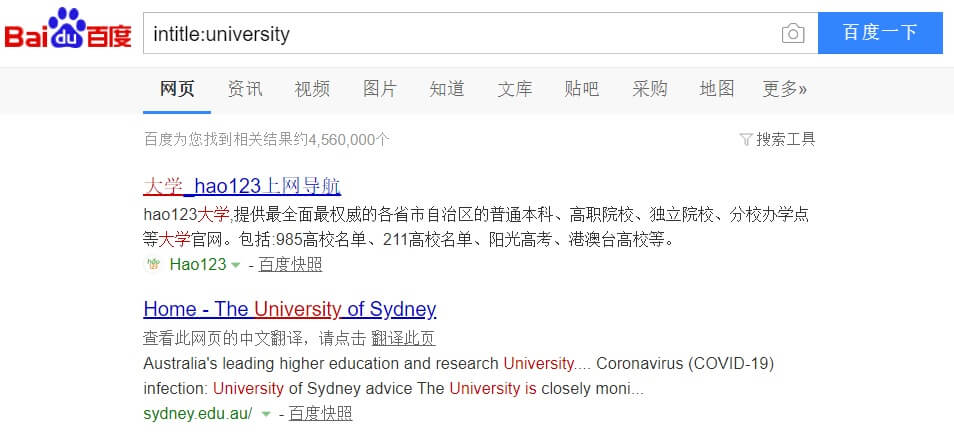
site:
By adding 'site:seomandarin.com' Baidu SERP will show you all indexed pages. This is a great function when you want to find out which pages have been indexed of your website or even have been indexed at all.
marketing site:seomandarin.com 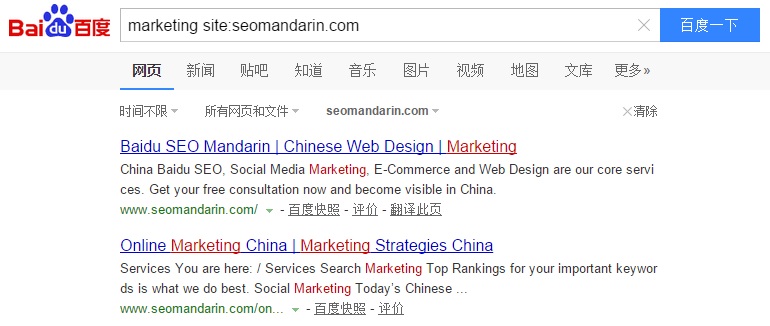
inurl:
By adding 'inurl:wikipedia' it will search the word 'wikipedia' in the url. You can add keywords in order to fine-tune your search.
inurl:wikipedia 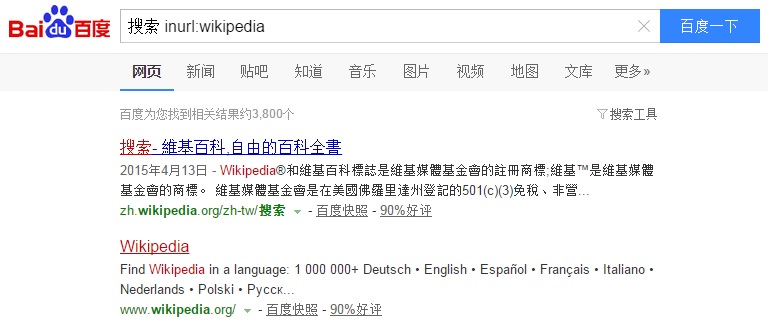
"…" "Quotation marks"
By adding quotation marks it will search exact phrases. This is great for finding duplicate content on the web or to really specify your search.
"this is copy pasted" 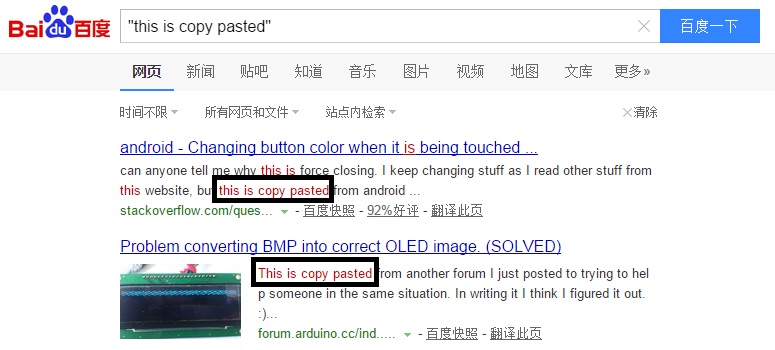
filetype:
By adding 'filetype:.doc' it will search for word documents. Other supported file types: pdf, doc, xls, ppt, rtf, all.
movie filetype:doc 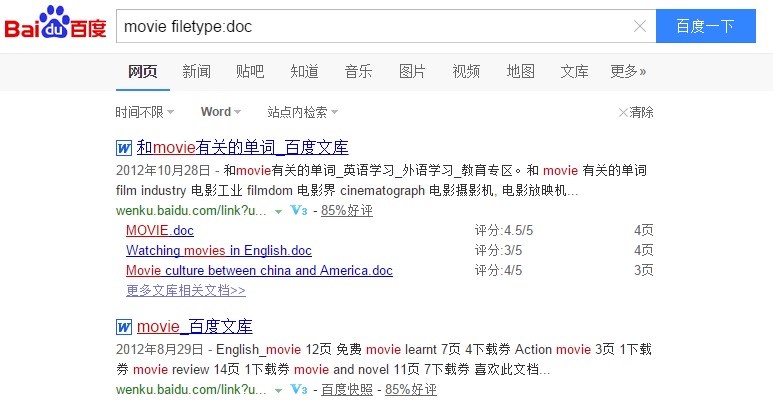
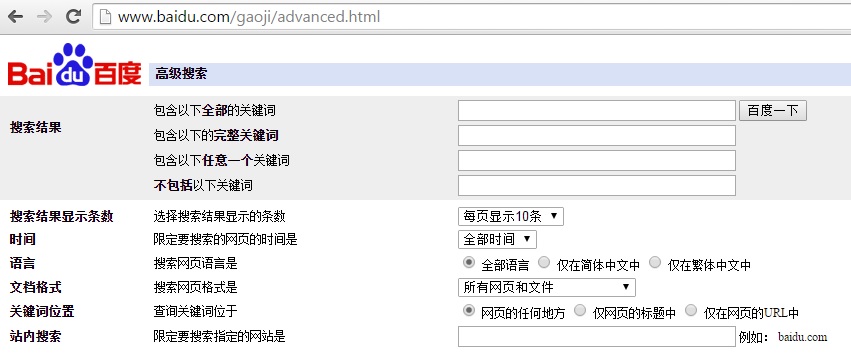
Advanced Advanced search
Go to Baidu advanced search and include or exclude phrases. Get results in simplified or traditional Chinese and decide how many results you would like per page.
baidu.com/gaoji/advanced.html